Skip to content
Info Technicians
  • technical
  • BizTalk
  • Contact Us
Info Technicians
  • How to Sign DLL using Visual Studio Cmd
    BizTalk | technical | windows

    How to Sign DLL using Visual Studio Cmd

    Byblink May 29, 2023July 5, 2026

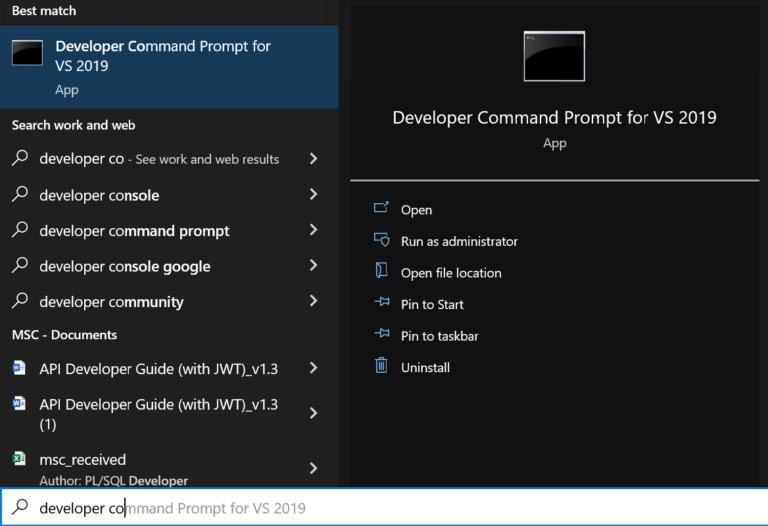
    This blog helps you to sign dll using visual studio cmd and it’s easier too. Step-by-step tutorial for DLL signing.

    Read More How to Sign DLL using Visual Studio CmdContinue

  • BizTalk – Expose Schema as WCF Service (Web Service)
    BizTalk | technical | windows

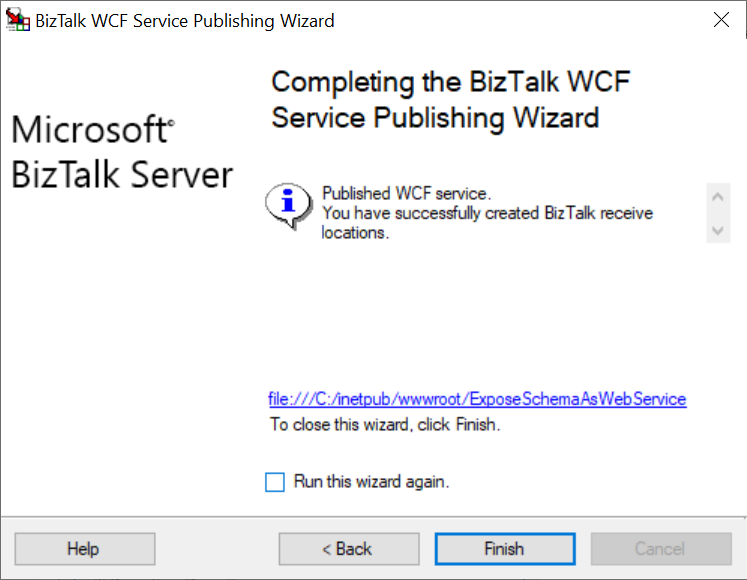
    BizTalk – Expose Schema as WCF Service (Web Service)

    Byblink May 10, 2023July 5, 2026

    Hello Info Technicians… In this detail blog we will see how to expose schema as Web Service(SOAP) in BizTalk Project Details For this, artifacts I’ve used, Also you can check…

    Read More BizTalk – Expose Schema as WCF Service (Web Service)Continue

  • User is not an SSO Administrator – Error Solved!
    technical | BizTalk | windows

    User is not an SSO Administrator – Error Solved!

    ByInfo Technicians December 11, 2022April 30, 2023

    This blog helps you to sort our the User is not an SSO Administrator error. There will be few small steps to achive it. Simply you can the account in user groups.
    Read More User is not an SSO Administrator – Error Solved!Continue

  • How to turn on Dark Theme in SSMS – Microsoft SQL Server Management Studio 18 or higher
    windows

    How to turn on Dark Theme in SSMS – Microsoft SQL Server Management Studio 18 or higher

    ByInfo Technicians September 15, 2022May 1, 2023

    With help of this blog you can turn on dark theme in SSMS – Microsoft SQL Server Management Studio. If you love dark theme just go for it.

    Read More How to turn on Dark Theme in SSMS – Microsoft SQL Server Management Studio 18 or higherContinue

  • How to check how many mails selected in Outlook?
    windows

    How to check how many mails selected in Outlook?

    ByInfo Technicians August 21, 2022April 30, 2023

    Sometimes we need to check how many mails we selected for somecases. This blog helps you to check how many mails selected in outlook.
    Read More How to check how many mails selected in Outlook?Continue

  • Oh-My-Posh
    windows

    How to setup Oh My Posh in Windows Terminal & Make Your Terminal Awesome

    ByInfo Technicians August 19, 2022May 7, 2023

    Revamp your Windows Terminal using Oh My Posh and elevate its appearance. Discover the art of customizing your terminal prompt and enhancing your productivity by adding color schemes. Start now by clicking the link!
    Read More How to setup Oh My Posh in Windows Terminal & Make Your Terminal AwesomeContinue

  • How to Download Windows (7,8,10,11) very easy
    technical | windows

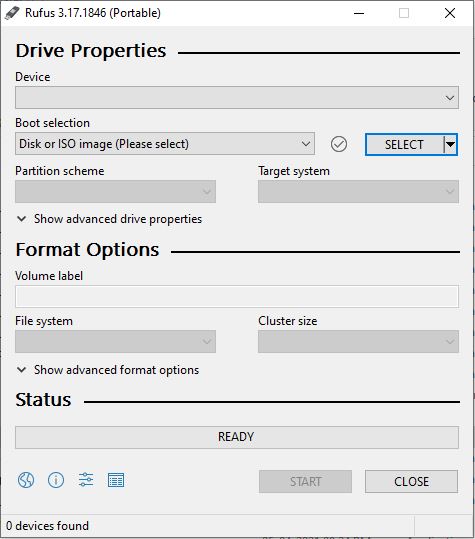
    How to Download Windows (7,8,10,11) very easy

    ByInfo Technicians June 13, 2022June 11, 2023

    In this comprehensive blog post, we guide you through the process of acquiring Windows effortlessly. Whether you’re a new user or upgrading to the latest version, our step-by-step instructions will ensure a smooth and hassle-free experience.
    Read More How to Download Windows (7,8,10,11) very easyContinue

  • How to turn off Windows Security/Windows Defender in Windows 10? – Simple way
    windows | technical

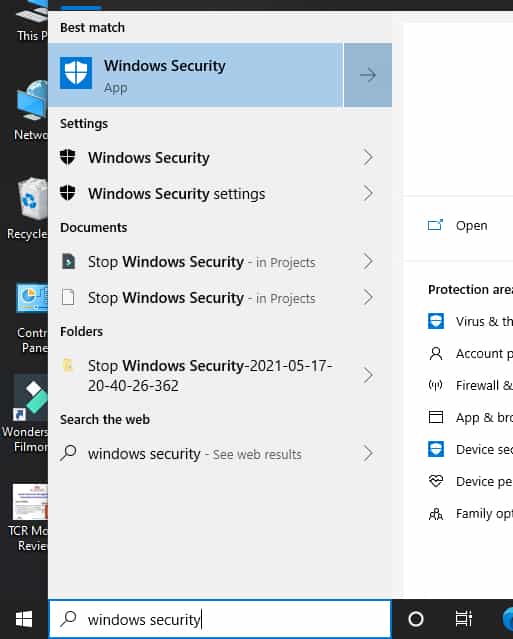
    How to turn off Windows Security/Windows Defender in Windows 10? – Simple way

    ByInfo Technicians May 31, 2021June 13, 2023

    Need to turn off Windows Security/Defender in Windows 10? Check out this quick guide for step-by-step instructions to turn it off and customize your system’s security settings!

    Read More How to turn off Windows Security/Windows Defender in Windows 10? – Simple wayContinue

  • How to install WSL on your Windows 10 Manually
    linux | technical | windows

    How to install WSL on your Windows 10 Manually

    ByInfo Technicians March 19, 2021April 22, 2023

    Hello guys… Welcome to Info Technicians… What is WSL?     WSL stands for Windows Subsystem for Linux. By using WSL you can use the Linux(terminal) in windows machine First of…
    Read More How to install WSL on your Windows 10 ManuallyContinue

  • How to Check Windows 10 Version Easily?
    technical | windows

    How to Check Windows 10 Version Easily?

    ByInfo Technicians December 16, 2020June 12, 2023

    Easily find out your Windows 10 version with a simple click! Our blog post reveals quick methods to check your system’s version and stay up-to-date.

    Read More How to Check Windows 10 Version Easily?Continue

Page navigation

1 2 Next PageNext

Let's connect

  • LinkedIn
  • GitHub
  • Twitter

Latest Posts

  • Visual Studio Code Sign-In Not Working? Simple Fix
  • Seamlessly Integrating BizTalk with Azure Service Bus: A Developer’s Ultimate Guide
  • Easily Connect Azure Logic Apps and SQL Server on an Azure VM for Seamless Integration
  • Empower Your Workflow: Connect Integration Account & Logic Apps
  • Unable to copy file…The process cannot access the file… The file is locked by: “Microsoft Visual Studio” – Simple Fix

Categories

  • android
  • Azure Integration Services
  • BizTalk
  • C#
  • docs
  • life
  • linux
  • technical
  • Uncategorized
  • windows
Linkedin Github Twitter
  • Disclaimer
  • Privacy Policy
  • Terms of Use
  • Contact Us

© 2026 Info Technicians

Scroll to top
  • technical
  • BizTalk
  • Contact Us